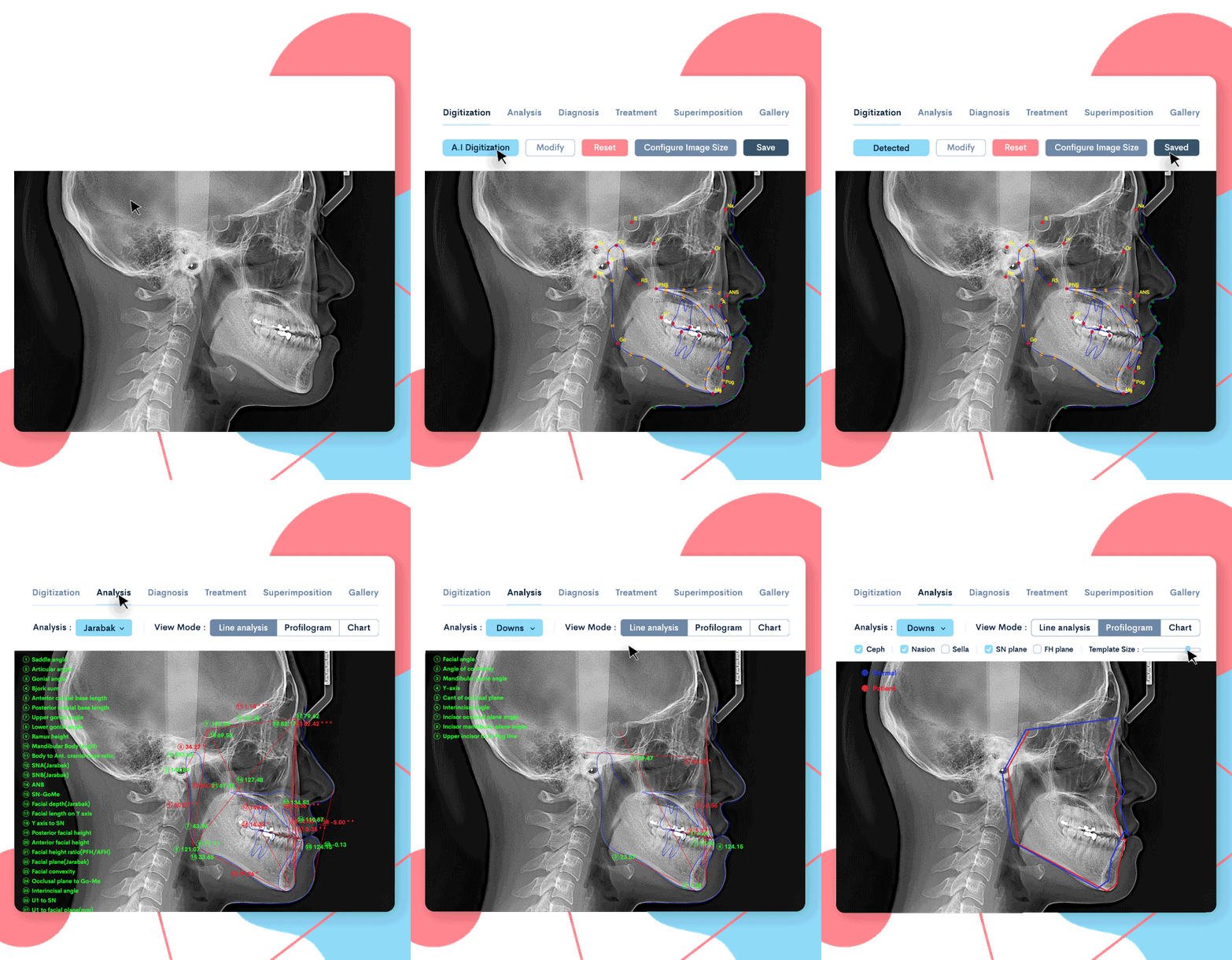
Dear Doctor. Thanks for the question. As you said, you can add up to 10 extra points. A table appears on the screen where you can name each additional point when you click 'Extra Landmarks' in Digitization tab.
WebCeph Manager
WebCeph Manager
Alternatively, you can also specify names for additional points in the custom settings menu of the account page.
(https://webceph.com/en/custom-settings/)
WebCeph Manager
WebCeph Manager
To take advantage of these additional points, you need to create your own custom measurement and analysis method. The custom analysis wizard and measurement wizard menu can be found on the Analysis tab or the Account page.
WebCeph Manager
WebCeph Manager
There you can create a custom measurement, and if you specified the name of the additional point earlier, the landmark you specified for the input point value will be shown. Create your own measurement using your custom extra points, then add that measurement to your own custom analysis.
Then, if you specify the location of the additional point when performing cephalometric analysis, you will be able to see that the measurement value using that point is displayed in the analysis result report.
Since this is an advanced feature, it may feel a bit difficult. However, I expect you to understand it well and do it. Please try it and let me know if there is anything which is not clear. Thanks for using WebCeph.












WebCeph Manager
Dear Doctor. Thanks for the question. As you said, you can add up to 10 extra points. A table appears on the screen where you can name each additional point when you click 'Extra Landmarks' in Digitization tab.
WebCeph Manager
WebCeph Manager
Alternatively, you can also specify names for additional points in the custom settings menu of the account page. (https://webceph.com/en/custom-settings/)
WebCeph Manager
WebCeph Manager
To take advantage of these additional points, you need to create your own custom measurement and analysis method. The custom analysis wizard and measurement wizard menu can be found on the Analysis tab or the Account page.
WebCeph Manager
WebCeph Manager
There you can create a custom measurement, and if you specified the name of the additional point earlier, the landmark you specified for the input point value will be shown. Create your own measurement using your custom extra points, then add that measurement to your own custom analysis.
WebCeph Manager
WebCeph Manager
Link to custom analysis and measurement tutorial video: Custom analysis and measurement tutorial
WebCeph Manager
Then, if you specify the location of the additional point when performing cephalometric analysis, you will be able to see that the measurement value using that point is displayed in the analysis result report. Since this is an advanced feature, it may feel a bit difficult. However, I expect you to understand it well and do it. Please try it and let me know if there is anything which is not clear. Thanks for using WebCeph.